Track. Challenge.
Huddle Up.
The fitness app for tracking walks, runs and rides, hitting your daily goals, and taking on challenges with friends.

Free on iPhone and Android
See it in action
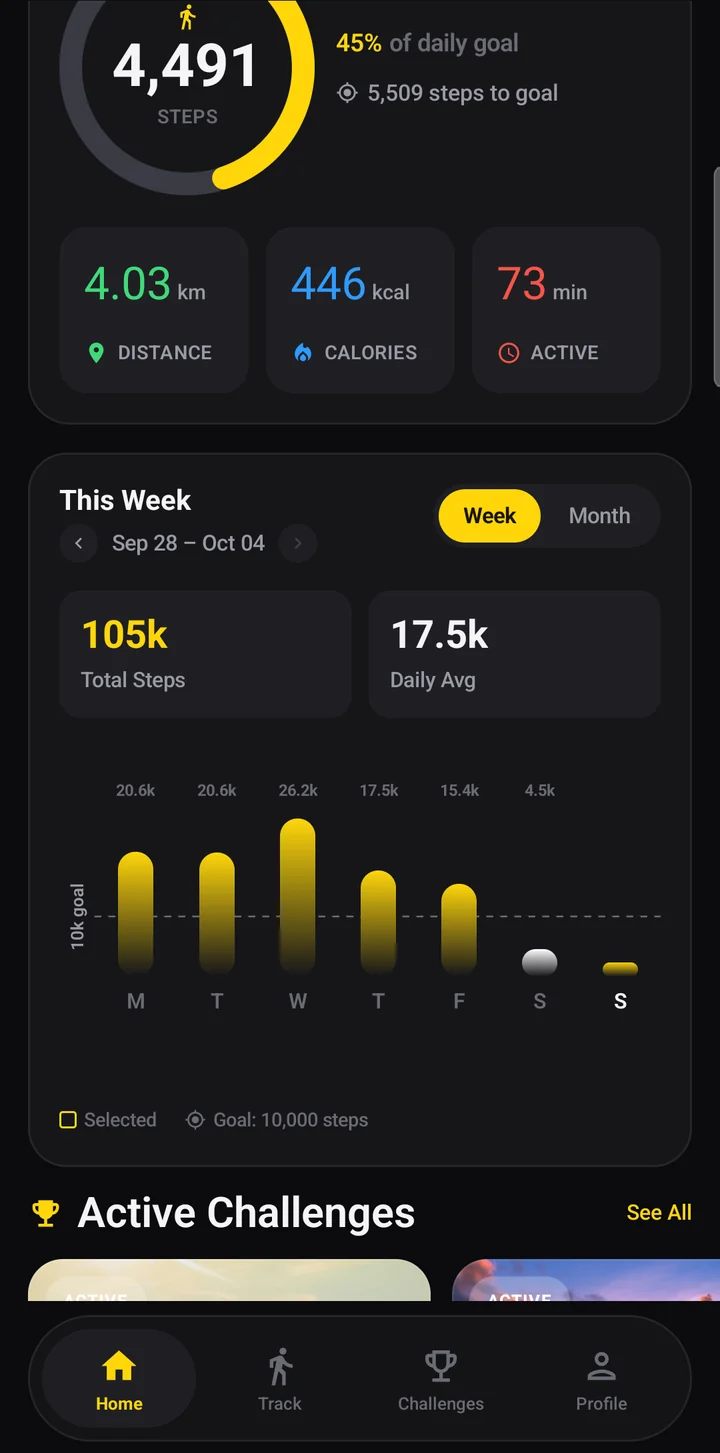
Everything you need to
stay on track
Built for everyday movement, and more fun with friends
Real-Time GPS Tracking
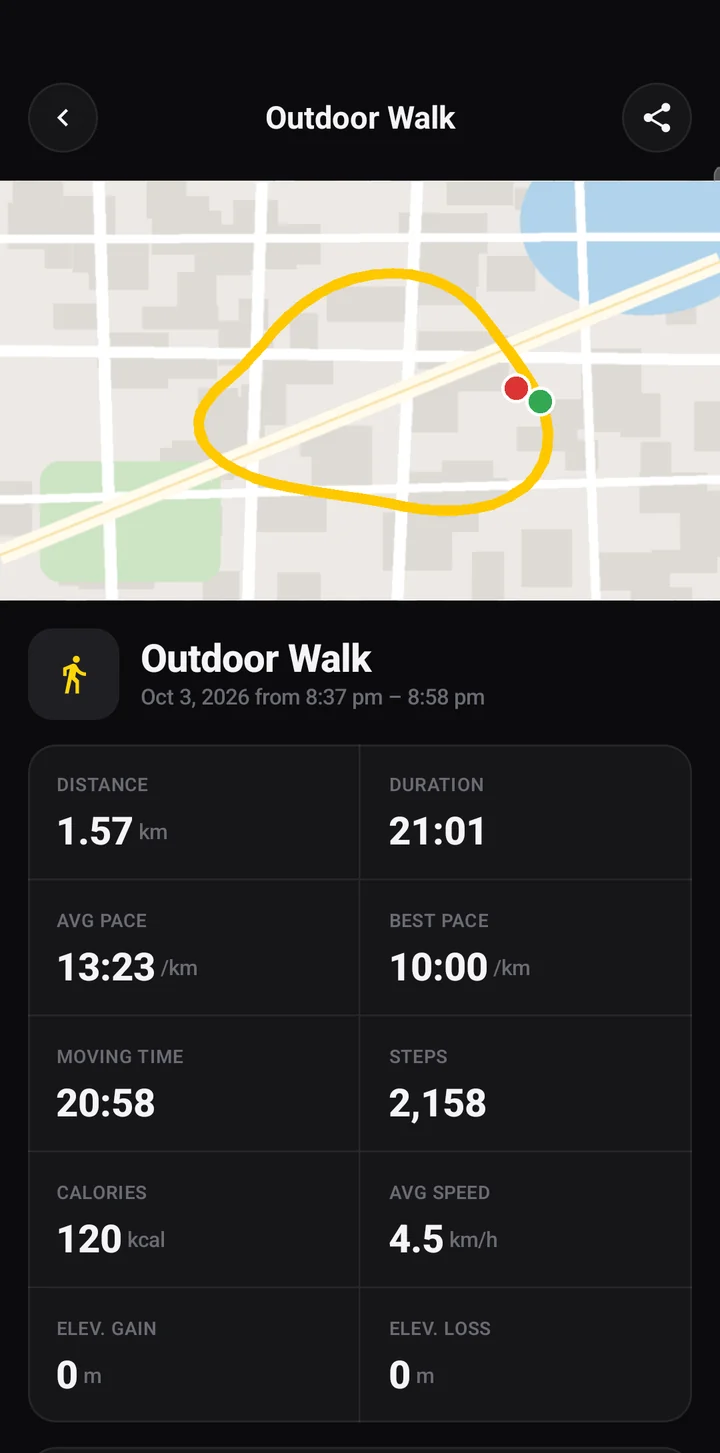
Record walks, runs, rides and hikes with a live route map, pace, distance and elevation. Indoor mode counts steps when you're on a treadmill.
Daily Goals & Streaks
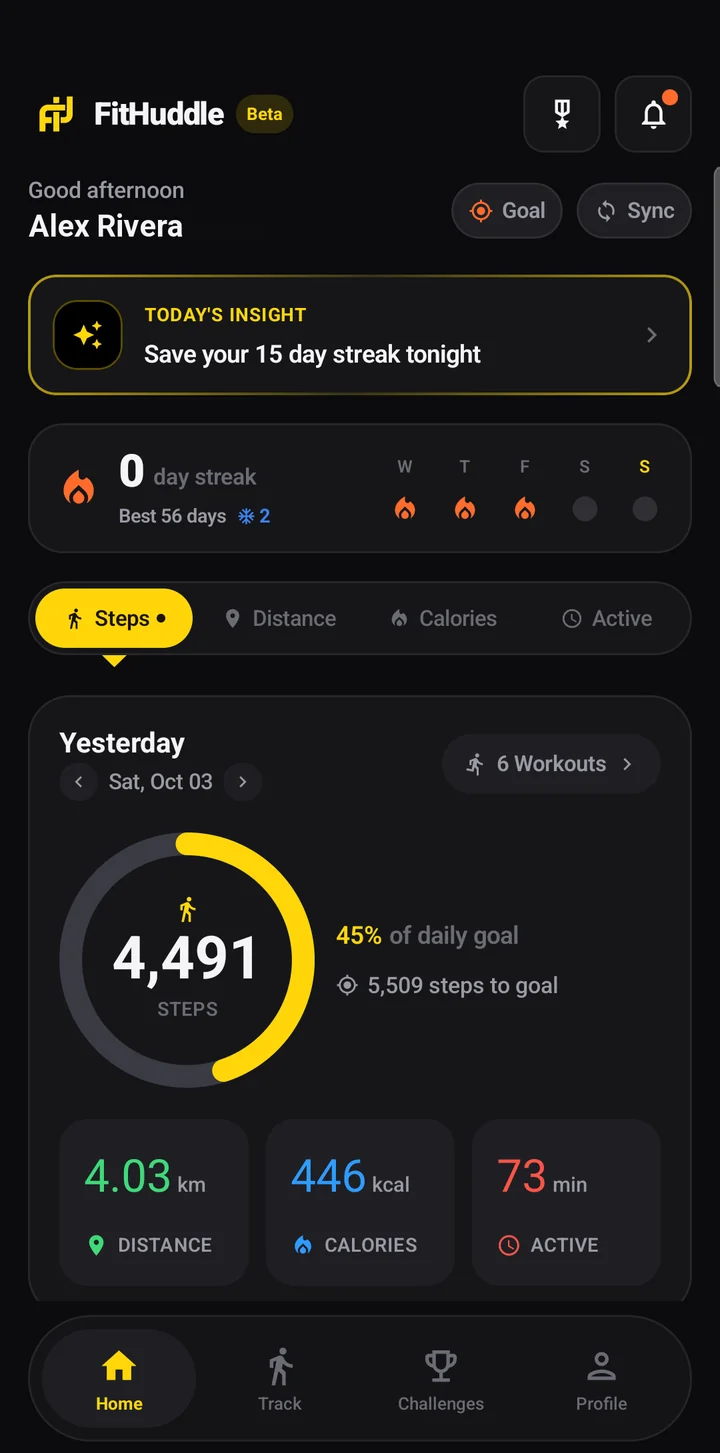
Set targets for steps, distance, calories and active minutes. Weekly and monthly charts and a streak tracker keep you coming back.
Challenges with Friends
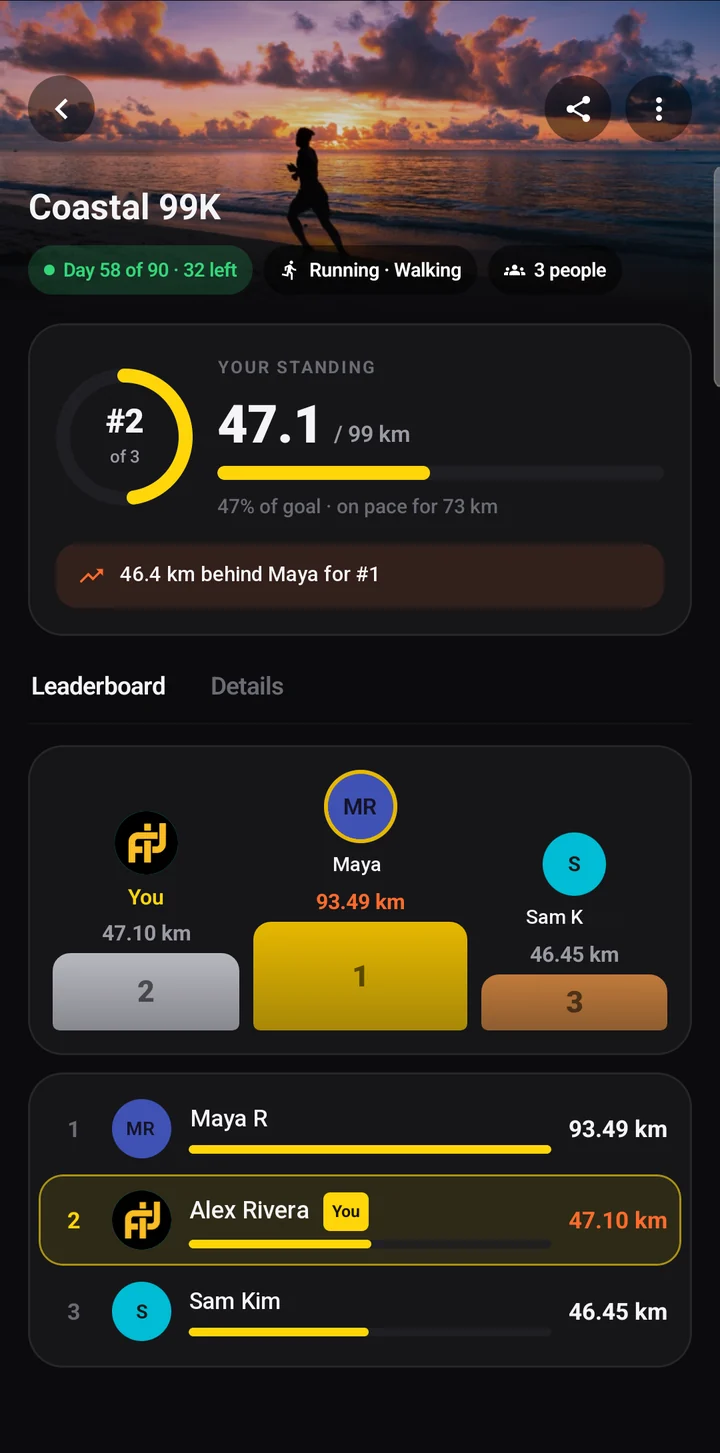
Create step, distance or daily-goal challenges, invite friends by email or link, or join a public one. Climb a live leaderboard together.
Apple Health & Health Connect
Sync steps and workouts with Apple Health on iPhone or Health Connect on Android, so activity from other apps and wearables counts toward your goals.
Get started in 3 steps
Set your goals
Pick daily targets and connect Apple Health or Health Connect to pull in activity from other apps.
Huddle up
Start a challenge, invite your friends, and keep each other moving.
Questions, answered
Which phones does FitHuddle work on?
FitHuddle runs on iPhone (iOS 15 or later), available on the App Store, and on Android (Android 9 or later), available on Google Play.
Is FitHuddle free?
Yes. FitHuddle is free to download and use on both iPhone and Android.
Can iPhone and Android users join the same challenge?
Yes. Challenges and leaderboards work across platforms, so friends on iPhone and Android can compete together. Invite them by email or share a link.
Does it work with Apple Health and Health Connect?
Yes. With your permission FitHuddle imports steps, distance, calories and workouts from Apple Health on iPhone or Health Connect on Android, so activity from other apps and wearables counts toward your goals and challenges, and it saves your FitHuddle workouts back.
Does FitHuddle track my location all the time?
No. Location is only recorded while you're actively tracking a workout. It starts when you tap Start and stops when you finish. Read the full Privacy Policy for details.
How do I delete my account?
In the app, open Settings (iPhone) or Profile (Android) and tap Delete Account. That permanently erases your account and data from your phone and our servers. See Retention & Deletion.